I Was Bored......

Pat Kelly

CCA Member
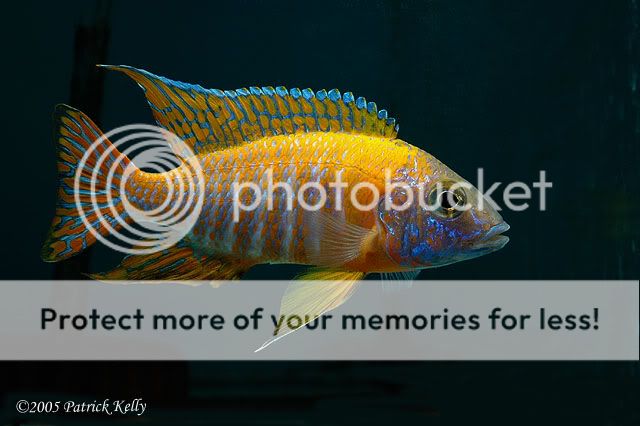
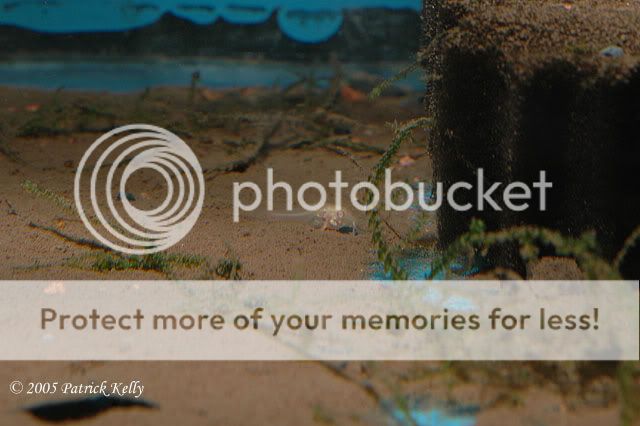
ruby122005.jpg


You can see the sponge filter in the back left side. I thought about trying to darken it but was afraid it would darken the fish too much.

 

Pat Kelly

CCA Member
Oh, here is another from today.
1220c.jpg

Let me know if I am putting too many bad ones on here.... I decided to practice a little today with the camera and photoshop.
 
If I may critique. ;)

First shot of the Ruby Red. Looks great to me. Sharp, in focus and I don't see the spnoge on my monitor (depends on the calibration with the general brightness and contrast).

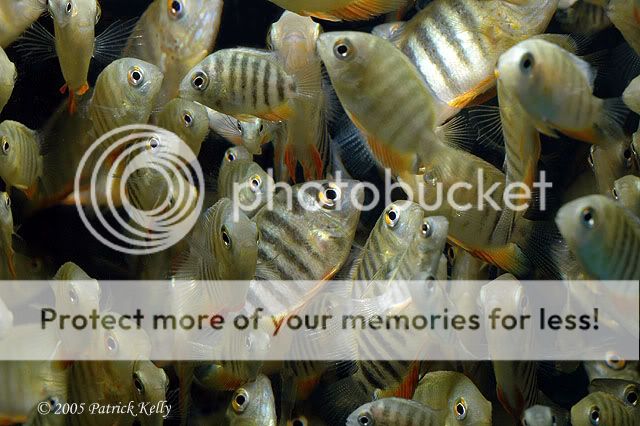
Second shot. This fry shot is very interesting. It really illustrates relationship in size. That 1/4 inch baby will be filling your frame with that lens with a little more patience. :D

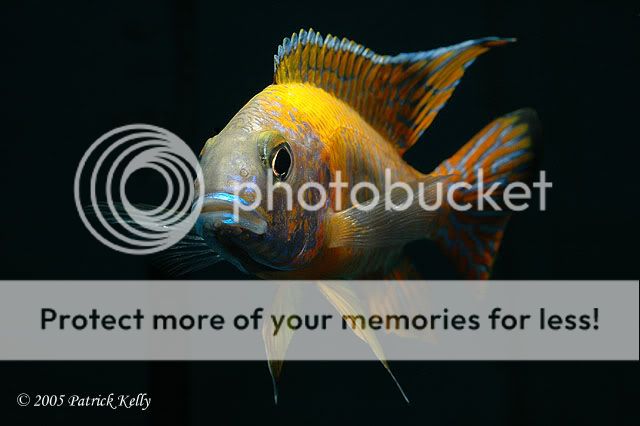
Third shot. The Ruby Red head on shot is fun to observe. However, I think because of the fish (or you) moving towards the lens, you are slightly oof. This is so normal with head-on shots. Particularly in the mouth area.

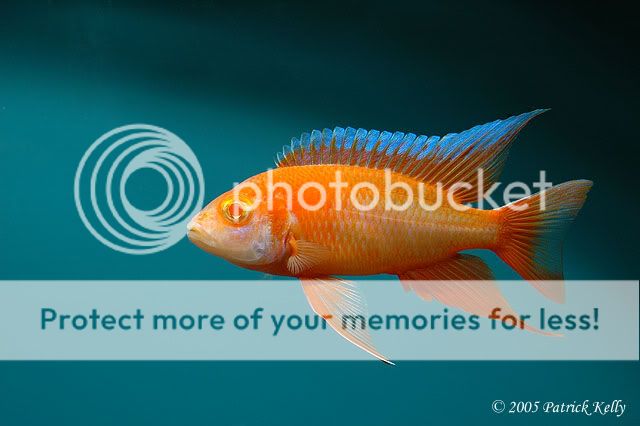
Fourth shot. I am sooooo jealous. :angry: Your AER is soooooo much better looking than mine. :angry: Nice shot too. :)

The last shot is a very good capture creating the crowded mood of the environment.

Good stuff Pat. You are definitely a photographer and not a picture taker. ;)
 

Pat Kelly

CCA Member
No, that was before bagging them up for you.
:lol:
Thank goodness, they are gone....................................................
 

DeeCee

Members
Dang, nice shots Pat! How did you manage to be "bored" just a few days before Christmas though? :wacko: (methinks you talked Tracey into doing all the shopping.......... heee hee!)

I like the 3rd shot the best, just because of the way the fish is peering at you. Really shows him off nice & makes him look like he knows what a stud he is B)
 
Hey Pat, did you shoot these in RAW? Also, I'm curious what your EXIF info is on these. And if you used Commander iTTL or selected the power manually for the SB800. And did you use the Stofen diffusser?

If you don't want to share your secrets...tough sh%$. I want to know. :angry:

The AER would have been absolutely perfect if it was just a hair more in the flash zone. The tail area is just a teeny, tiny dark. All the fish had to do is move another inch to the left and it would have been nailed.

You gotta love the setup you have with that lens and flash :D
 

Pat Kelly

CCA Member
I did not use raw this time. I need a better computer. When I go into raw pics, it slooows doown.
I was in manual on the flash, I believe. I played a little. But not very much. When you go into the information for the picture, it says flash, no. ? Yes on the defuser.
 
Originally posted by mscichlid@Dec 22 2005, 12:21 PM
Do you have a Pentium III or IV? You may just need to max out your RAM.

Francine, he has the same cpu as me. HP Athlon 2800 with 512 ram. More ram is what we need to add.

The major glitch with CS2 is the Bridge component. It is slower than...well...ME.

Because of it's convenience to operate in the PS platform when processing RAW images, it spends too much time gathering all the neat stuff we want. But since I have updated, it is a lot faster.

Pat, I thought you did the most recent upgrade when you installed CS2. Perhaps you have to run updates to get it current?

With that said. I am looking into a faster cpu too. If I upgrade to the D200, the new computer will have to wait a few more months though. :angry: :D
 

mscichlid

Founder
The upgrade to the D200 would be a nice move.

I've got PS 7 and CS loaded. I prefer 7's browser to the Adobe Bridge.

That's one thing I hate about shooting RAW, too friggin' slow to process when you shoot a gig of pics. More often than not, shooting Jpeg fine then saving to Tiff works just fine for us non purists. :lol:
 
I upgradeded from PS7 to CS2 and don't regret it. I'm getting use to the Bridge and I think I may be an oddball when it comes to my workflow.

I shoot with the camera set for JPG and RAW. I then view my shots using a card reader with the Windows Viewer. I then trash the ones I don't want to fool with. The ones I want to keep, I move to My Pictures located on a extenal harddrive.

When I go to process them, I open CS2 and the Bridge. Browse the folders where I put my categorised photos and have the choice to process in RAW or JPG. Then after pp I save for the web in the categorised folder. I now have either two or three shots of the same image saved and located in the "Aulonocara Lwanda" folder.
1. The original RAW 2. The original JPG 3. The processed JPG or TIFF.

I usually work with the RAW shots where I adjust the white balance and other settings before I open it in the image processor of CS2, where I do my tweaking.

It sounds like a long process, but from camera to the finished saved image is normally less than five minutes per shot. Mainly because the RAW adjustments are all preset and normally only spend 15 to 30 seconds there before I open the image for final pp.

Frankly, I think with using the flash, and having the camera set with auto white balance or a saved test card, the Fine JPG image is just as good as the RAW processed image.

It depends on how much artistic liberties you want to take. ;)
 
Top